![[]](aok.png)
After Download extract .zip and run the installer:
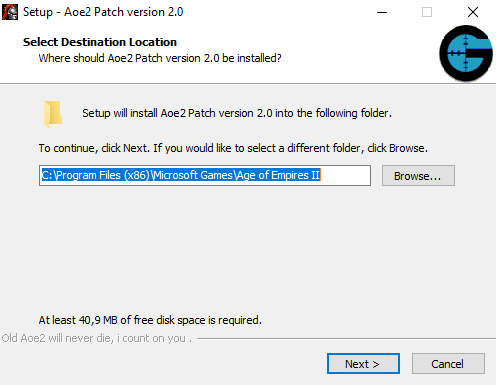
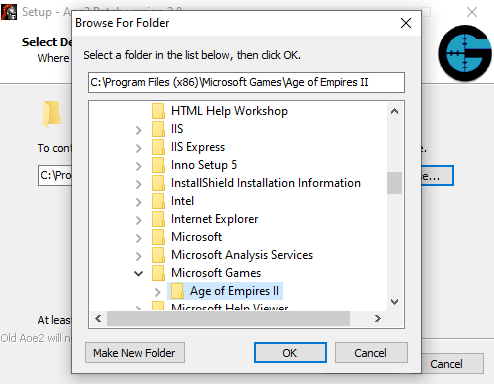
Copy the path of your game or Browser your 'Age of empire II\' folder
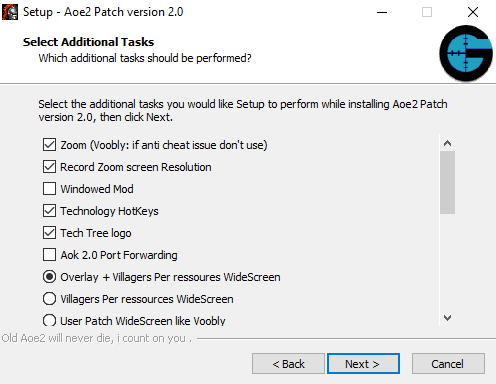
Chose the options that you want to add to your game:
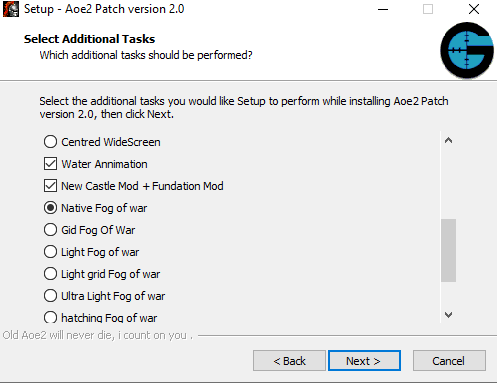
Chose install:
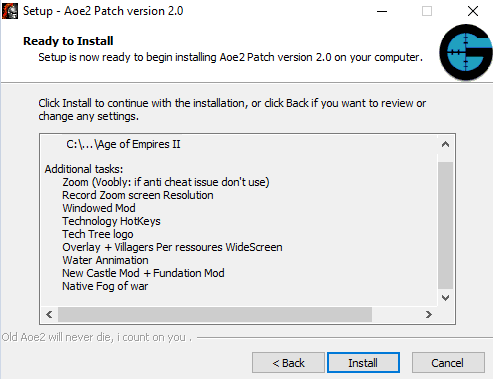
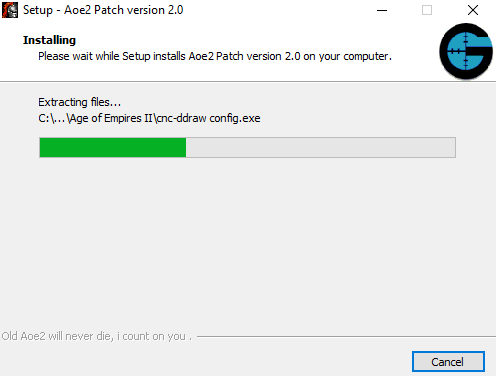
If you chosed Zoom option cnc ddraw config.exe will run
Display settings
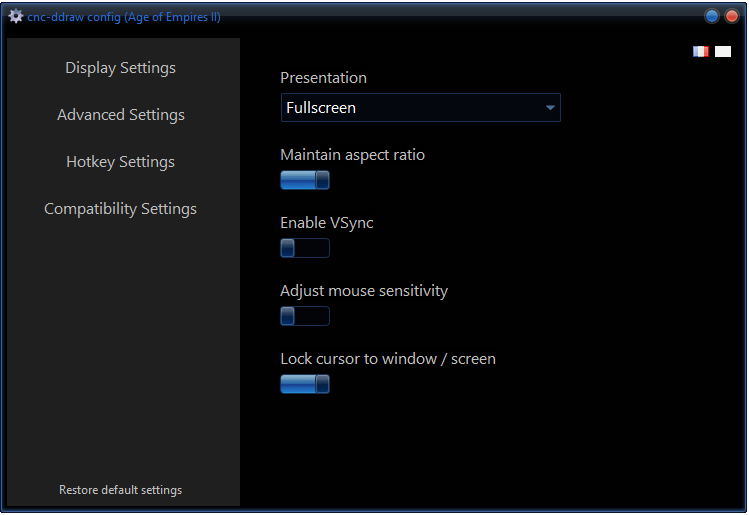
You can select the starting windows presentation
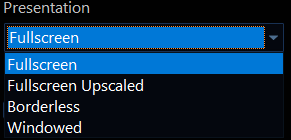
If you use 'Record Zoom screen Resolution' option you must use fullscreen option else the screen will be too big when game will start ( Case: Zoom screen resolution is higher than current monitor resolution ) if this happen during the game just Alt+enter to fix this will put full screen option.
Lock cursor to windows is useful when you use windowed option or if you had double monitor, this will avoid you to lose cursor when you are playing.
Advanced settings
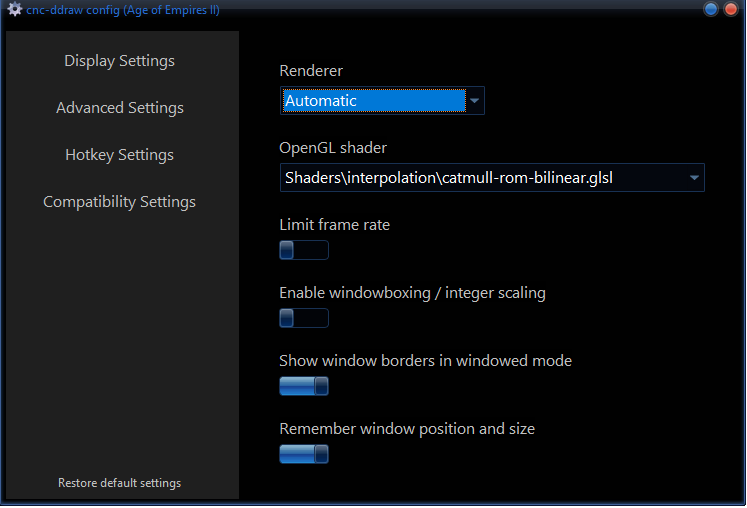
You have several render options
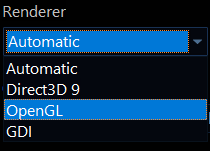
Have cnc render or windowed mod imrpouve a lot the performance issue of you game, because it optimize graphic library.
I advise you to chose open gl render. If you have really bad computer try to use gdi and if gdi render is bad try to not use zoom option and use windowed mod instead ( installer option ).
Open GL shader
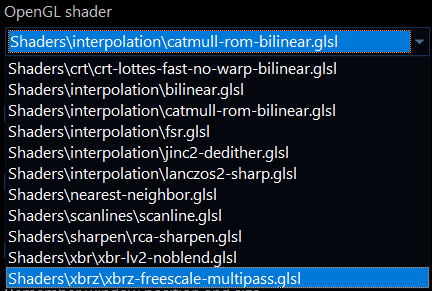
For shader explanation, i advise you to take a look of this link
cnc-ddraw 4x scaling - Shader comparisonShaders improve the graphics and fix pixel issues.Keep in mind this could make some performance issue (xbrz), if it is the case disable it, because it use gpu ressource.
You can import some share from Preliminary libretro shader support- Github.com
Extract to Age of Empires II\Shaders for aok and Age of Empires II\Age2_x1\Shaders for Aoc/Aofe.
Some of shader are not supported by cnc ddraw, to implement one better to take a look of cnc ddraw source code before doing the implementation.
Compatibility Settings
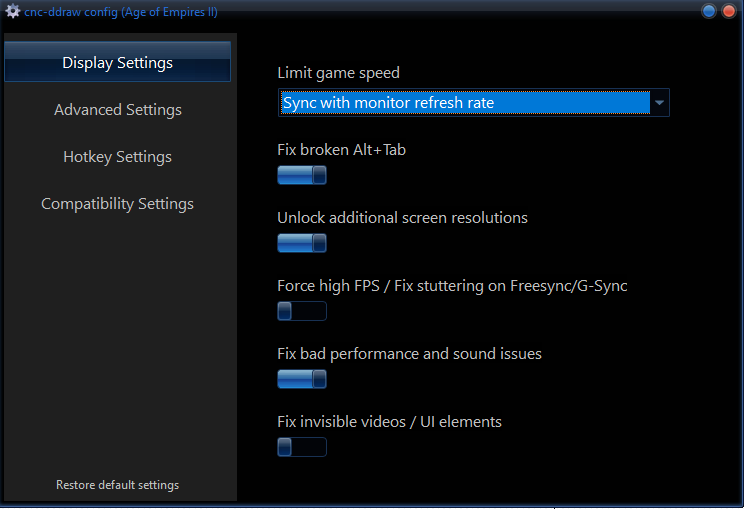
You can fix some performance issues with these settings, just choose the best options that fit your game.
If you want configure again cnc after installation just run Age of Empires II\cnc-ddraw config.exe for Aok and Age of Empires II\Age2_x1\cnc-ddraw config.exe for Aoc/Aofe .
All credit to FunkyFr3sh.
Windowed mod improuve you Aoe2 graphic library and perfomance issue.
The game will start in an 800x600 window, but once it launches, it will switch to fullscreen mode.
You can found configuration file on Age of Empires II\wndmode.ini for Aok and Age of Empires II\Age2_x1\wndmode.ini for Aoc/Aofe .
[WINDOWMODE]
; wndmode settings.
; Make sure you know what you're doing!
Border=0
SizingBorder=1
ShowFps=1
VerticalSync=1
UseGDI=0
UseDirect3D=0
UseDirectInput=0
UseDirectDraw=1
UseDDrawColorEmulate=1
UseDDrawFlipBlt=0
UseDDrawColorConvert=1
UseDDrawPrimaryBlt=1
UseDDrawAutoBlt=0
UseDDrawEmulate=1
UseDDrawPrimaryLost=0
UseCursorMsg=0
UseCursorSet=0
UseCursorGet=0
UseBackgroundResize=0
UseForegroundControl=1
UseFGCGetActiveWindow=0
UseFGCGetForegroundWindow=1
UseFGCFixedWindowPosition=0
EnableExtraKey=0
UseCursorClip=1
UseBackgroundPriority=0
DDrawBltWait=-1
If you have bad computer UseGDI=1 and UseDirectDraw=0.
UseCursorClip=1 to lock cursor inside the window.
All credit to menopem for d3dhook, and veg for wndmode.
This feature allow you to unzoom more than your current screen resolution.
For example you can have 4k resolution on a 1920x1080 monitor, which makes the game look incredible .
Zooming has limitations due to the interface.
To enable Zoom on the game you need to configure Hotkey (you need ofc chose zoom option on installer).
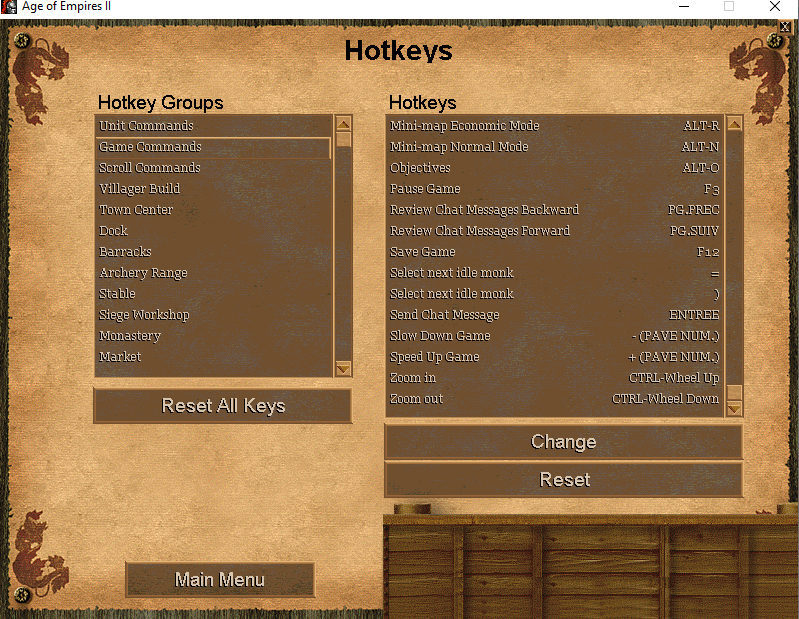
Zoom in/out will allow you to change screen resolution during the game.
If you unzoom to much this could crash the game, ddraw use your graphic memory cart.
This option records the current zoom resolution when the game closes.
When you restart the game, it will apply the previous zoom settings.
If you unzoom too much and your game crash and screen resolution is recorded re-install Aoe2Patch this will reset screen resolution.
Zoom Screen Resolution recorded on registery key
HKEY_CURRENT_USER\SOFTWARE\Microsoft\Microsoft Games\Age of Empires\2.0
HKEY_CURRENT_USER\SOFTWARE\Microsoft\Microsoft Games\Age of Empires II: The Conquerors Expansion\1.0
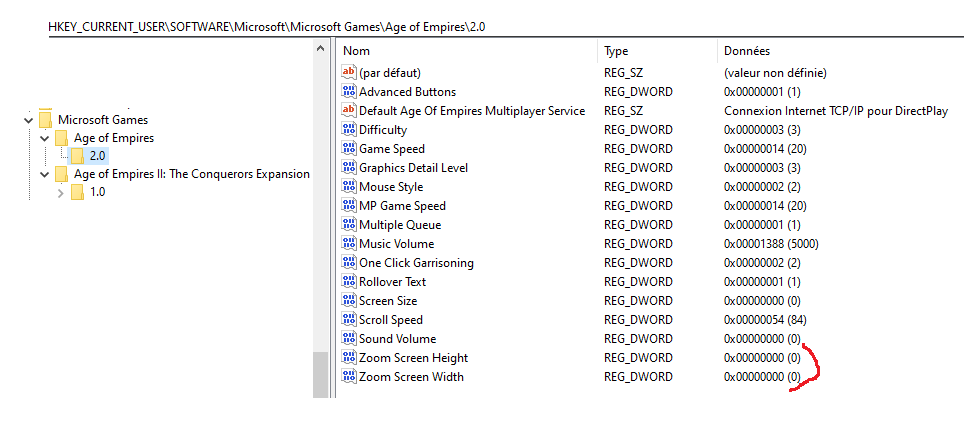
"Zoom Screen Height" and "Zoom Screen Width" will be set when you zoom or un-zoom.
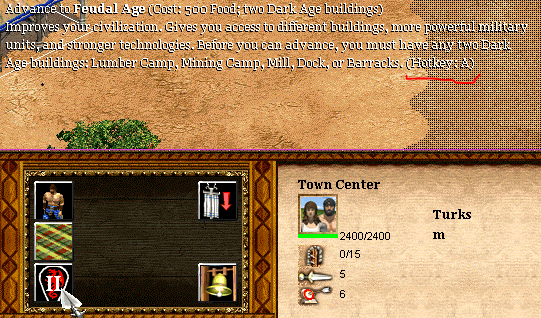
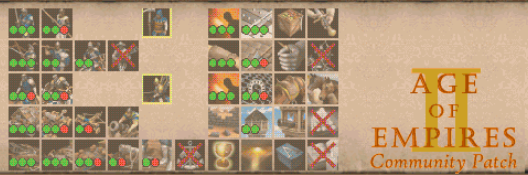
This feature allow you to add hotkey technology
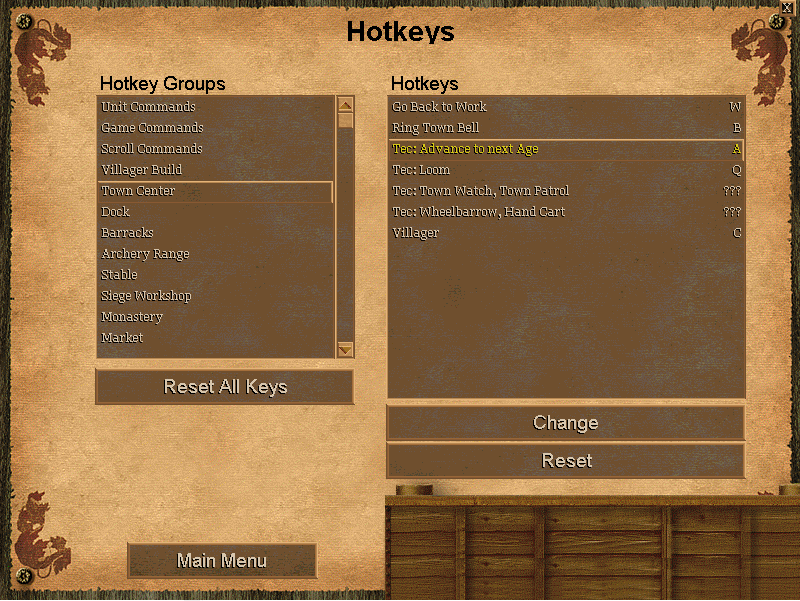
This will Add Technolgy hotkey :
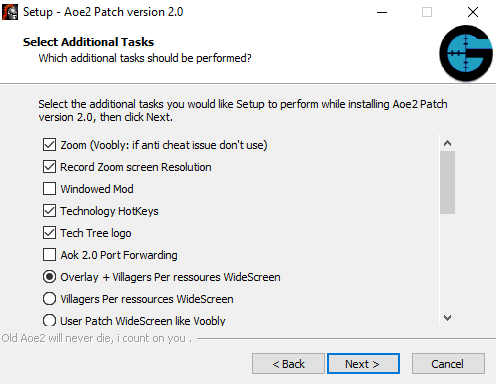
WideScreen will add screen size list on Option screen.
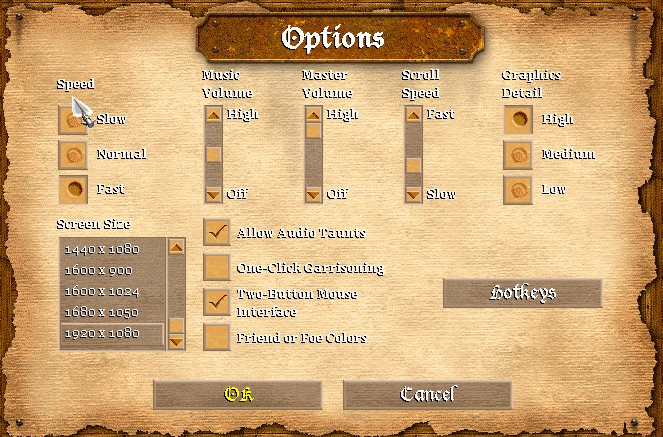
Overlay + Villagers Per ressoures WideScreen
Villagers per ressources + overlay that show all buildings queue production.
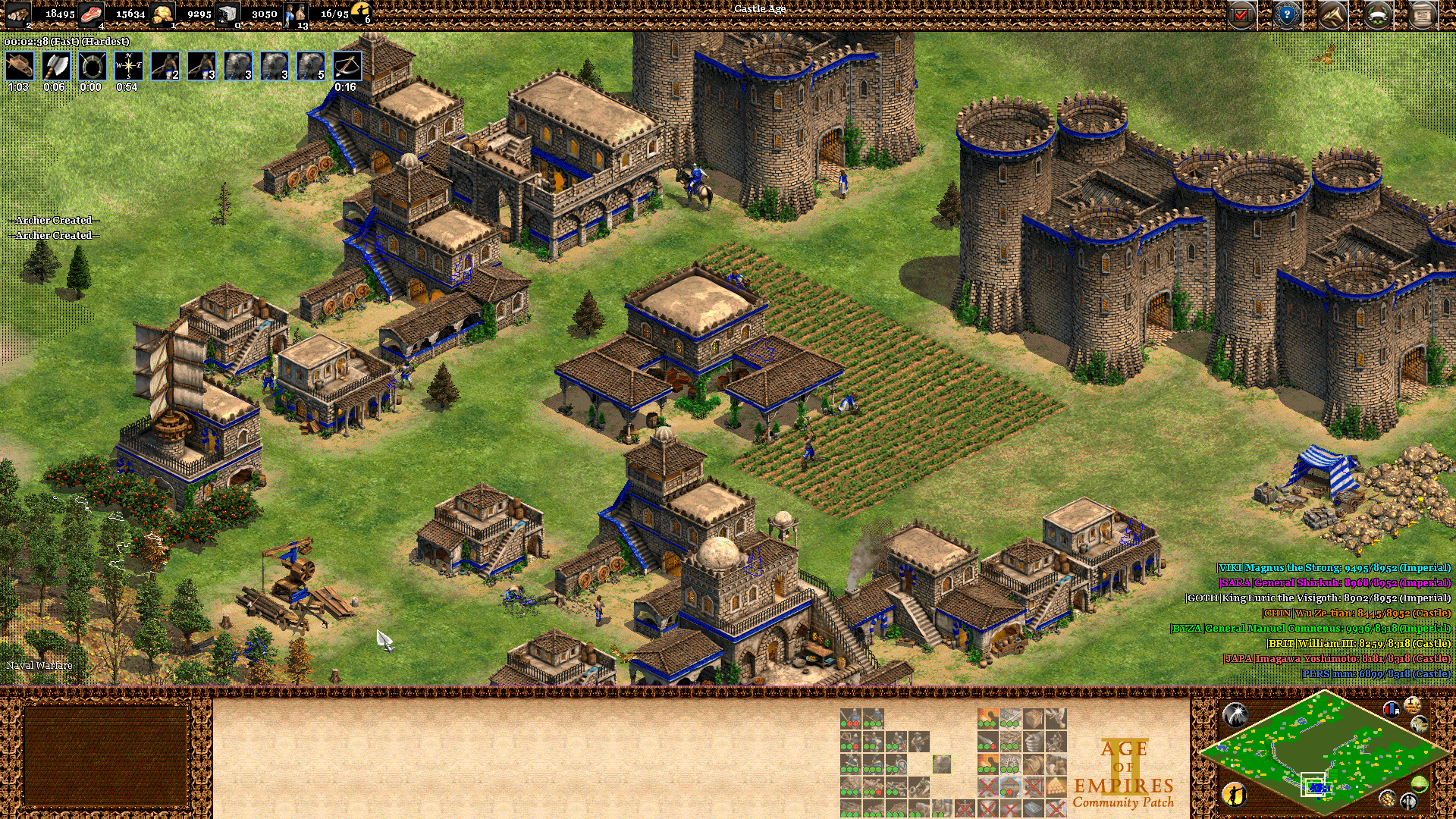
Cba overlay for Aoc
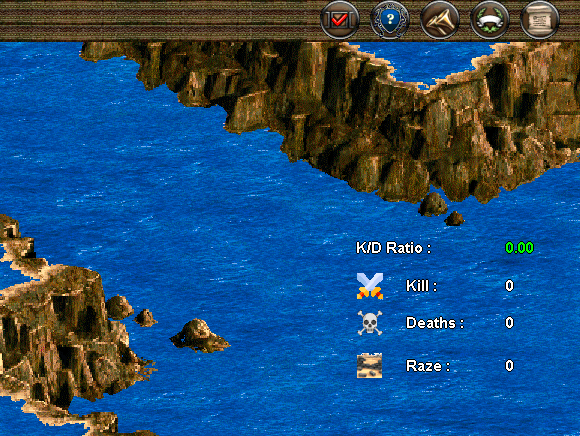
The overlay displays your kill/loss units, buildings razed, and your K/D ratio.
User Patch widescreen
User Patch widescreen.
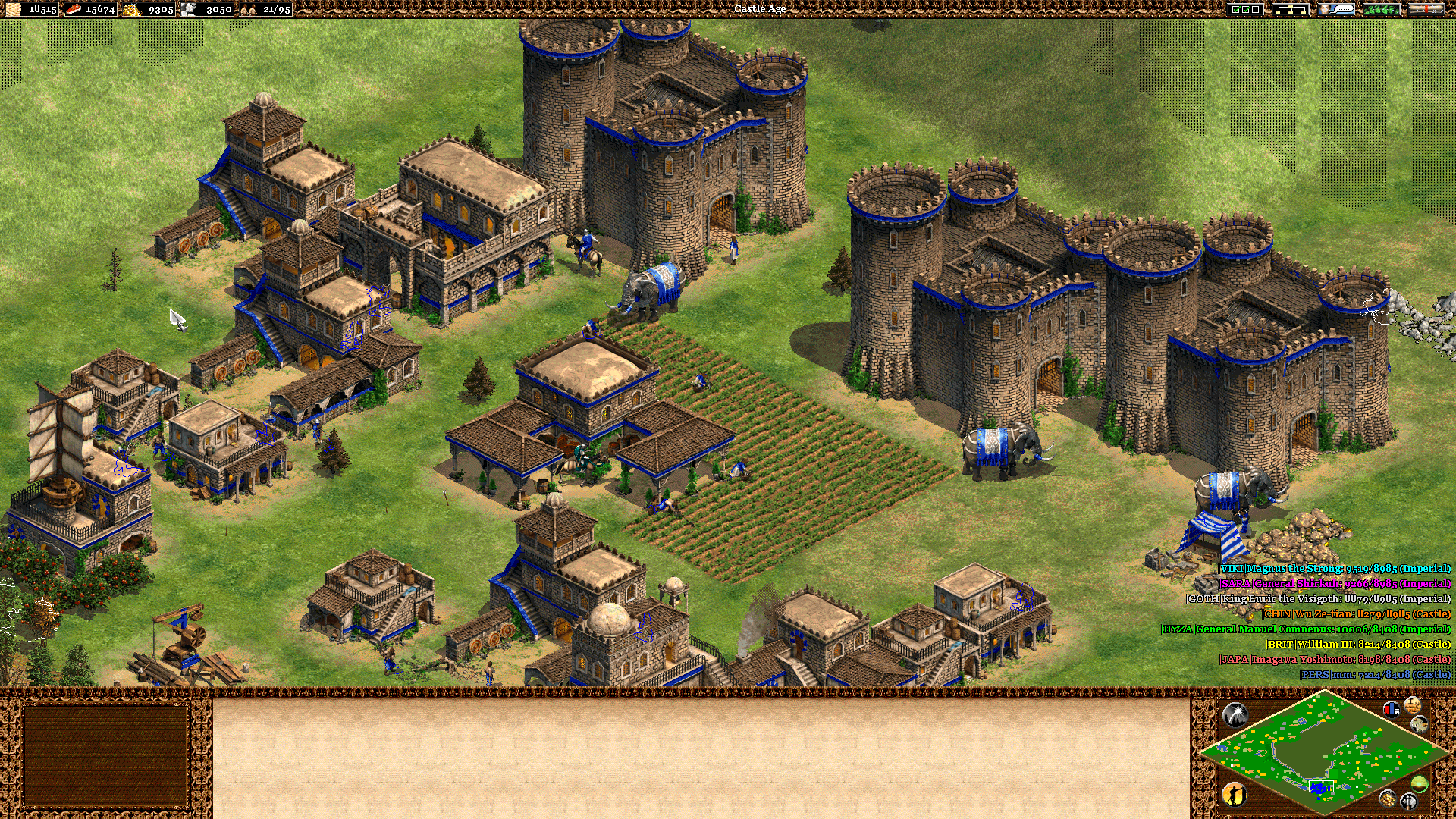
Centered WideScreen
Control bar is in center .
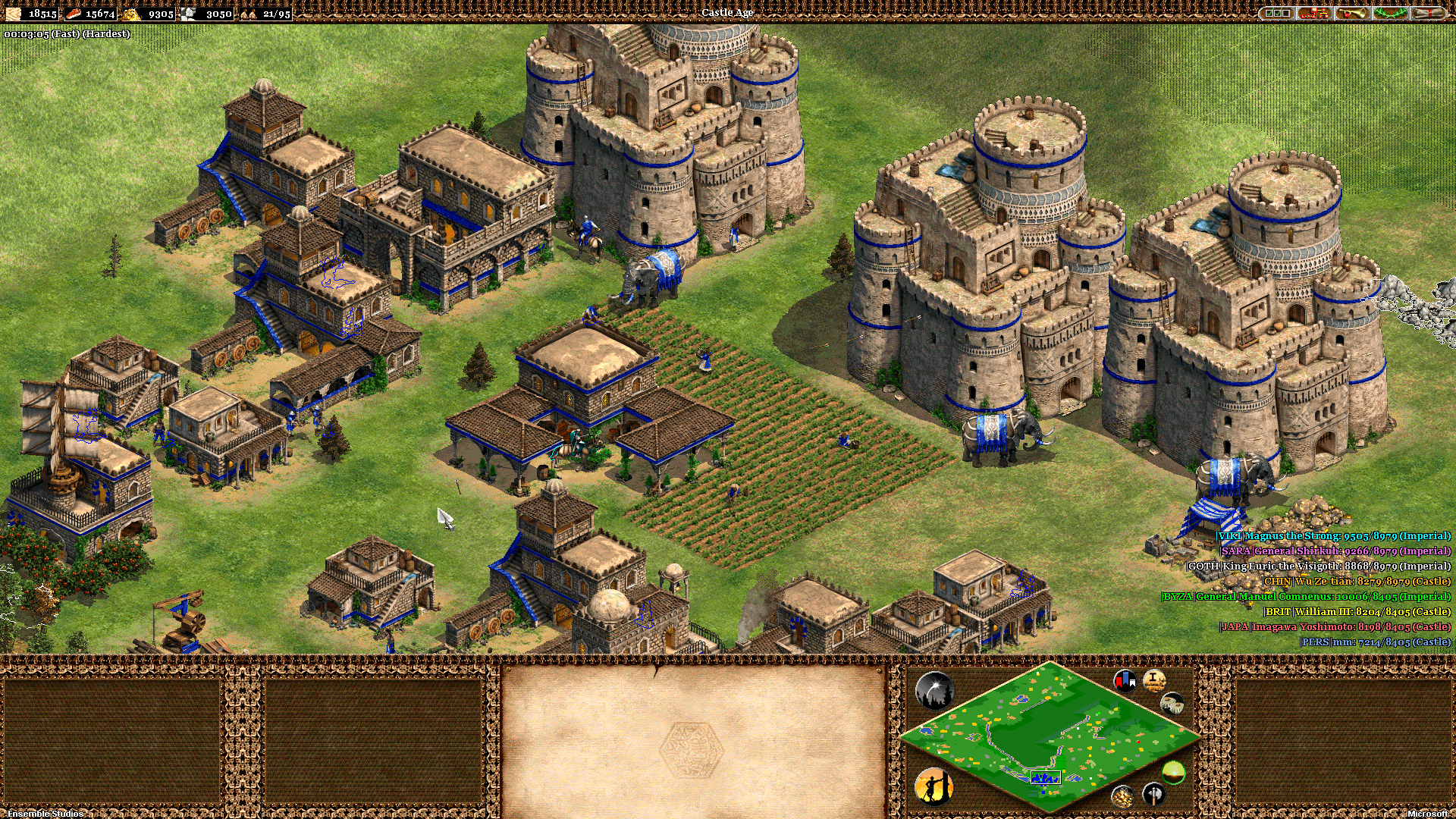
Animated water rendering.

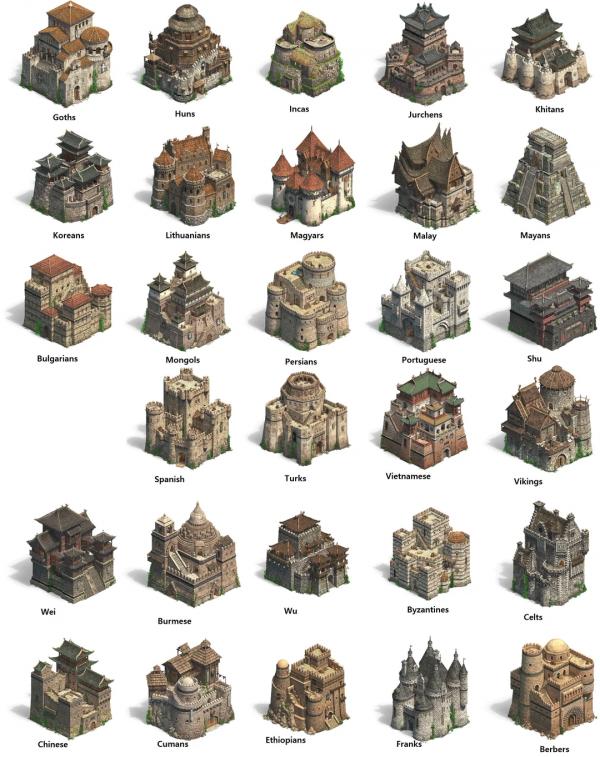
New Castle Designs
New fundation + chess board fundation
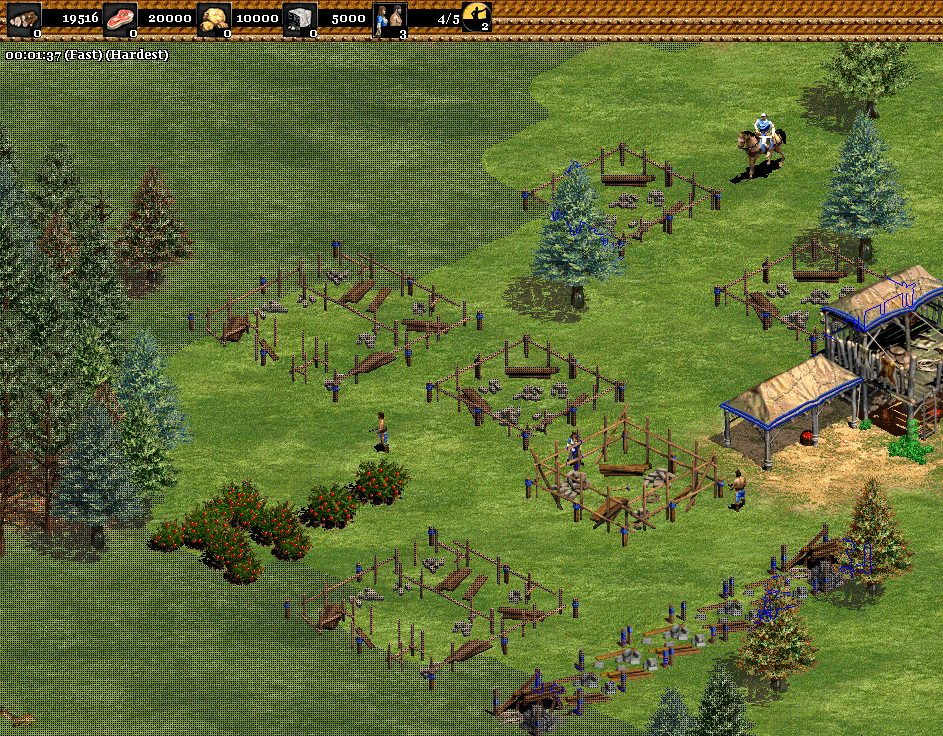
This feature helps you know if a building is under construction or if it is just at 0% foundation.
Native fog of war
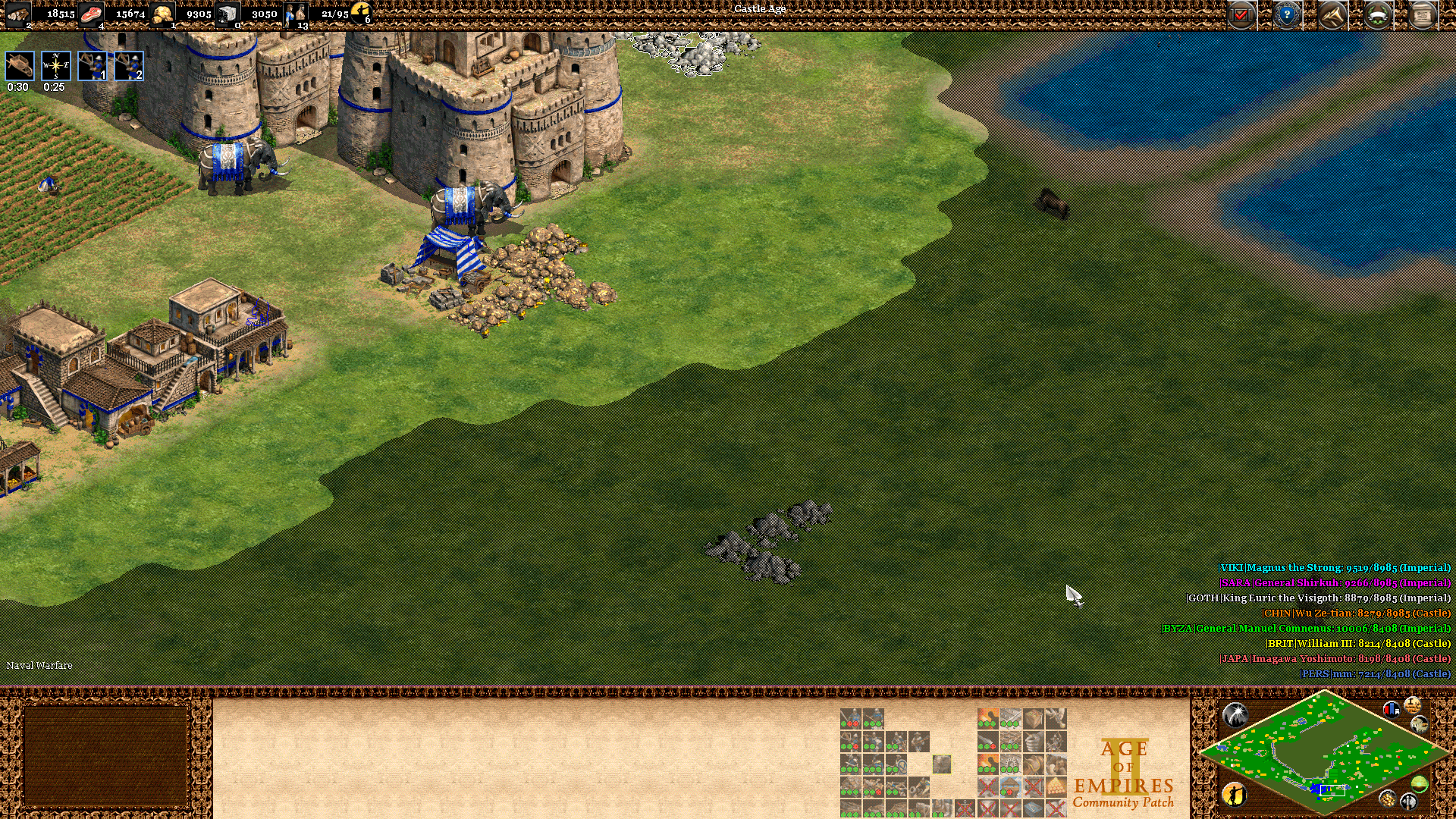
Grid fog of war
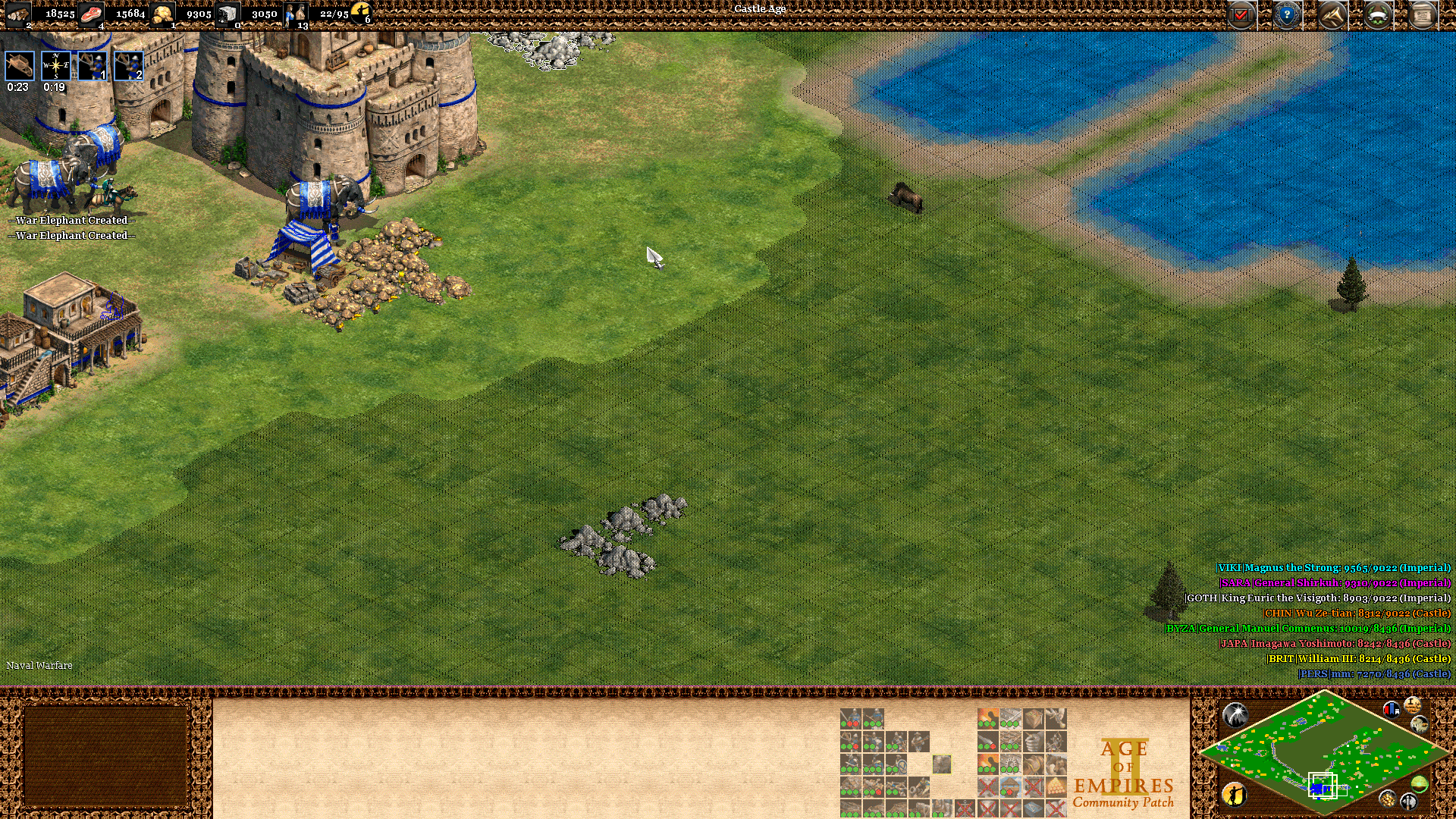
Light fog of war
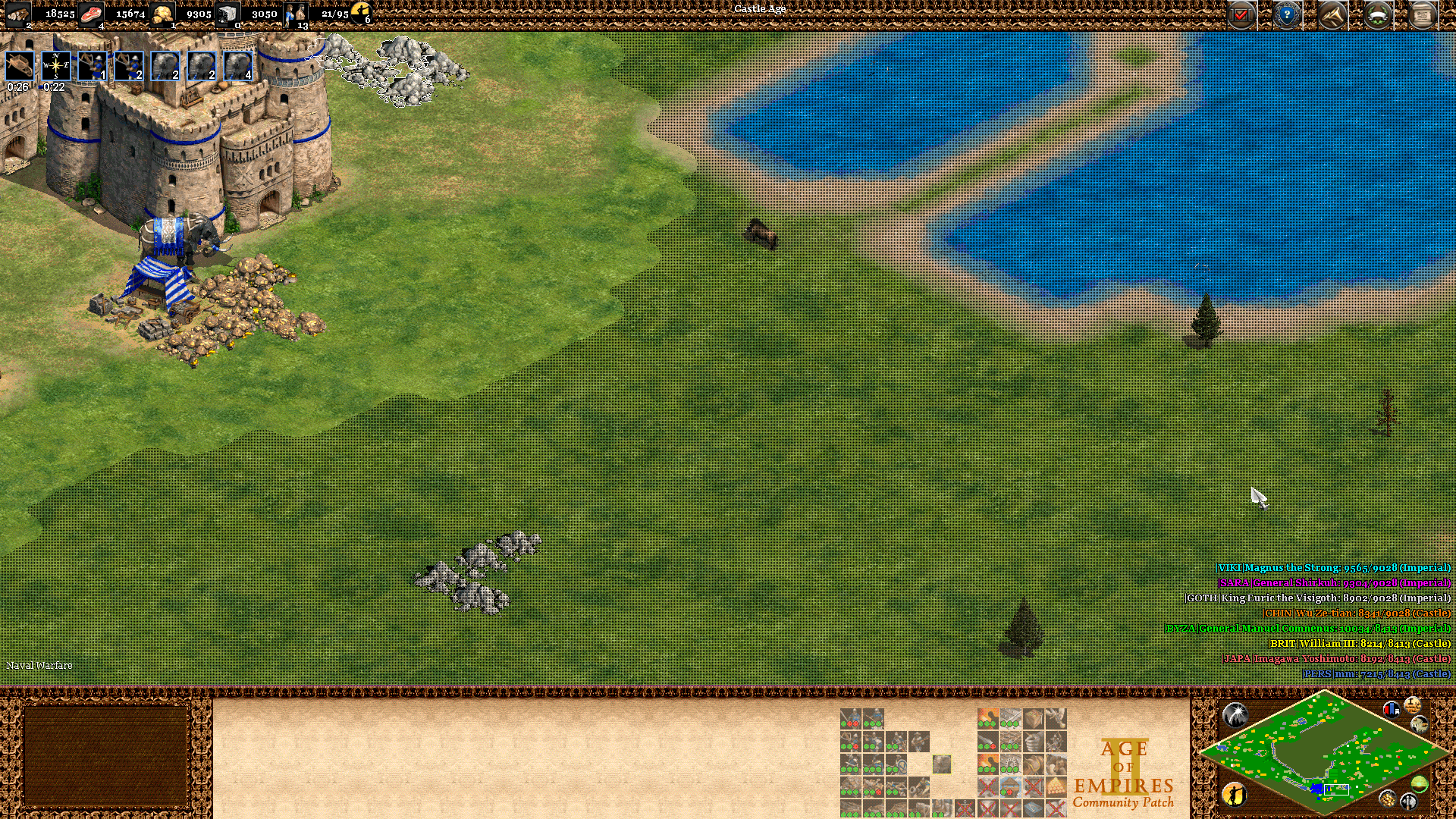
Light Grid fog of war
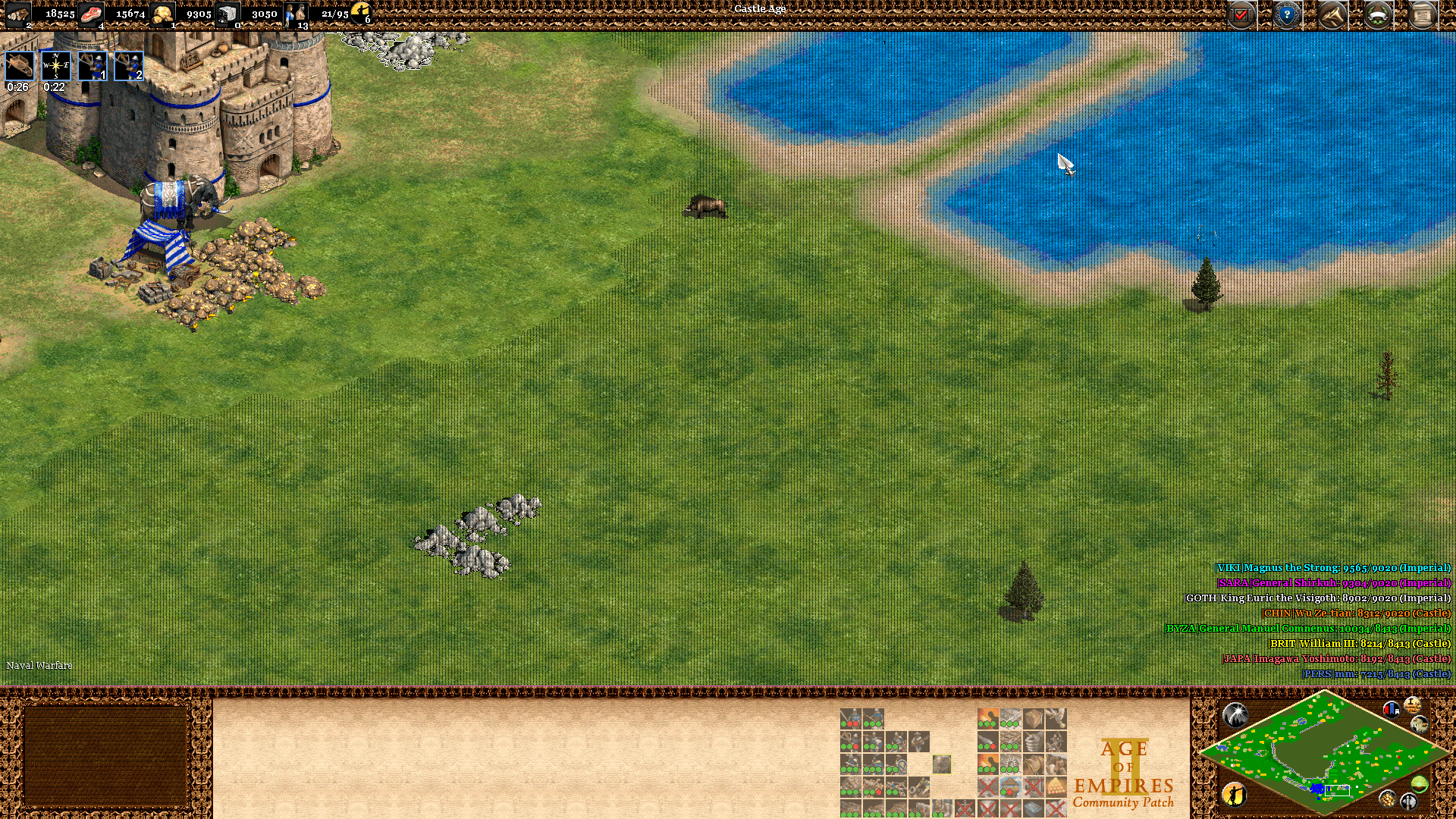
Ultra Light grid fog of war
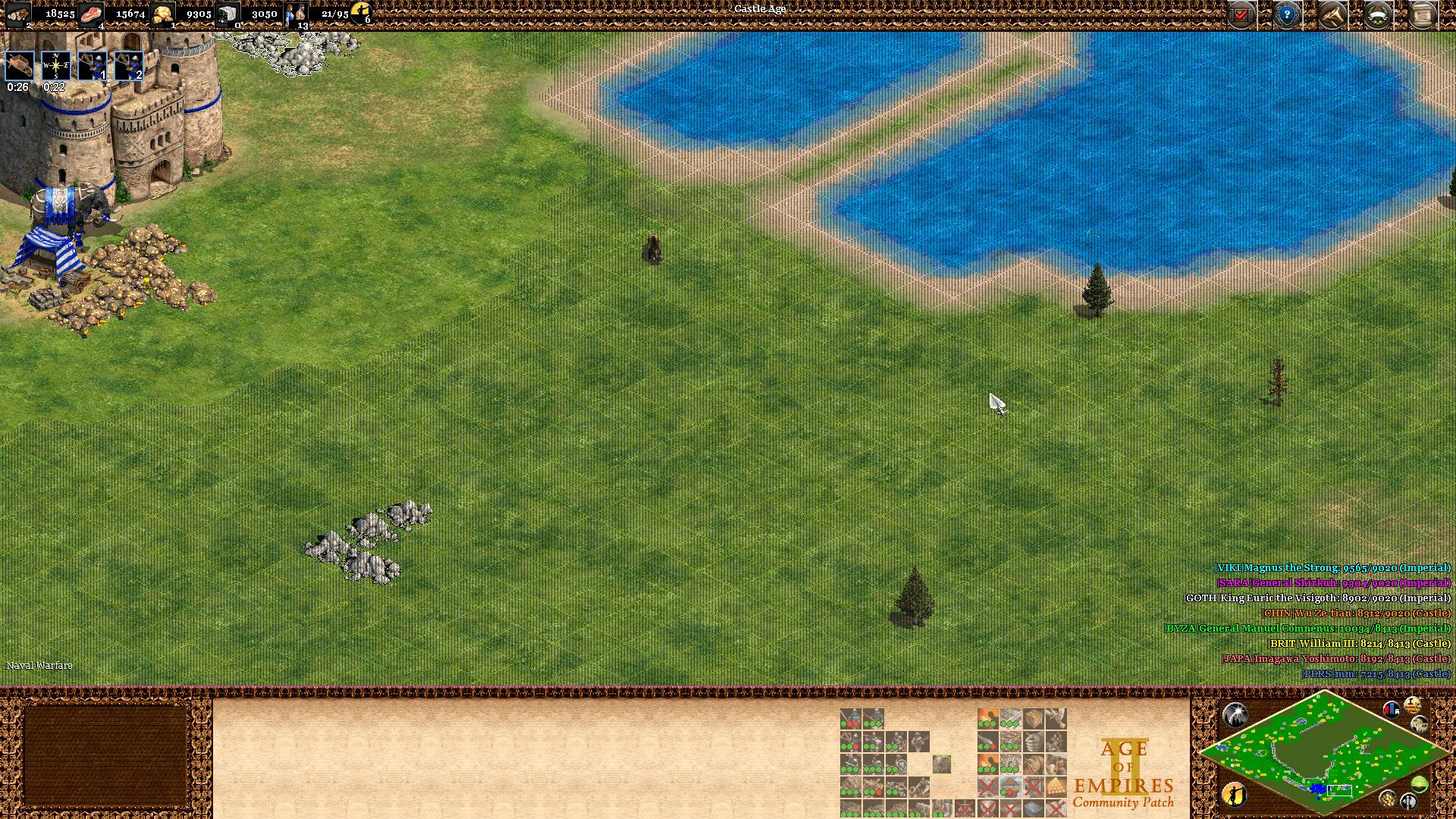
Hatching fog of war
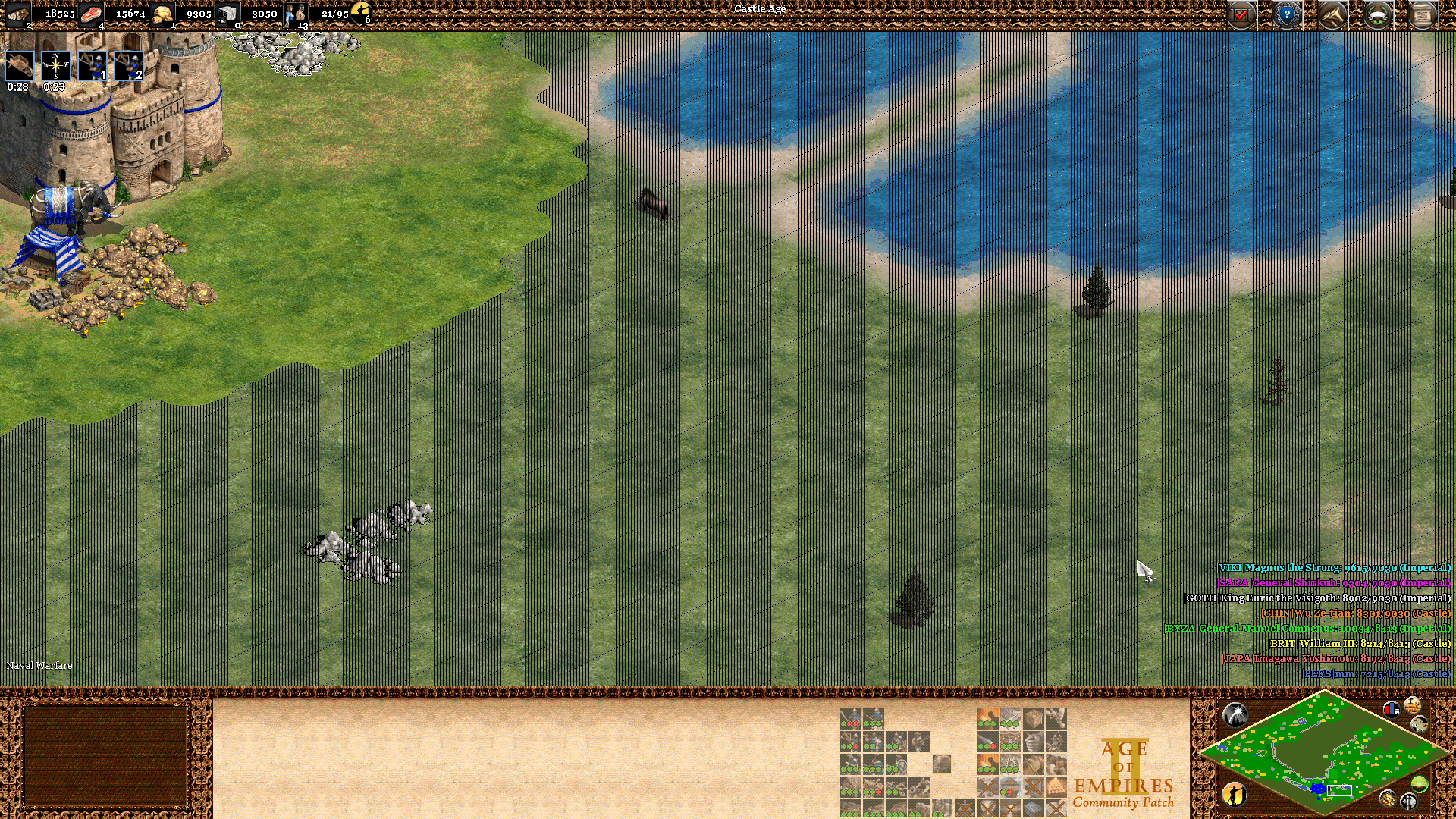
No fog of war
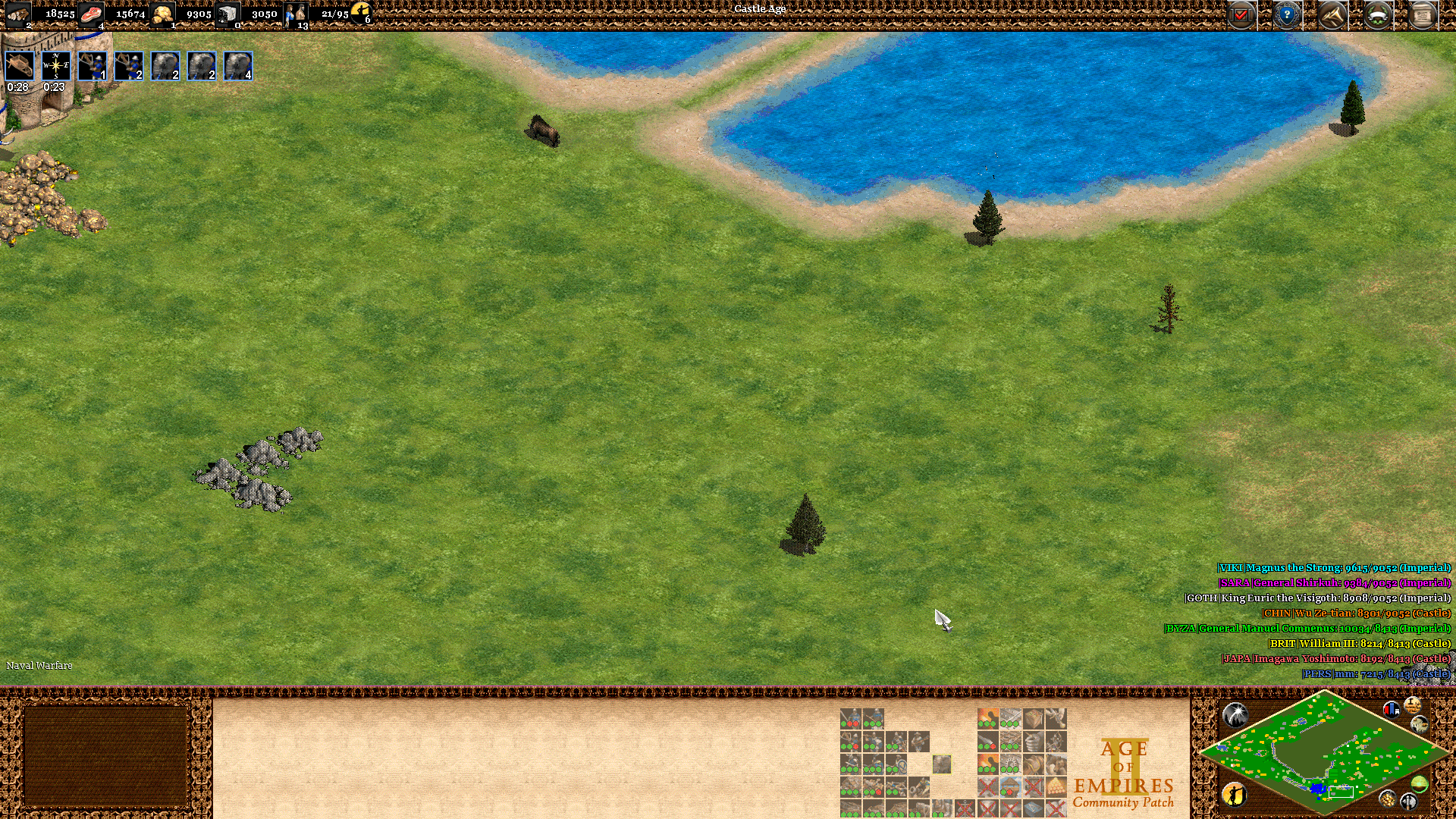
Enemy units are still hidden in the fog of war Zone.
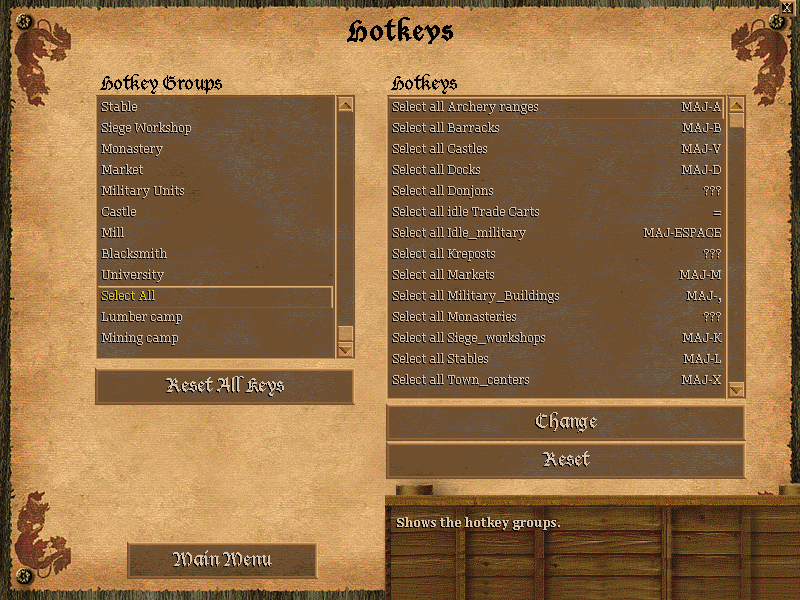
Select all Hotkeys
MQ: Multiple building queue
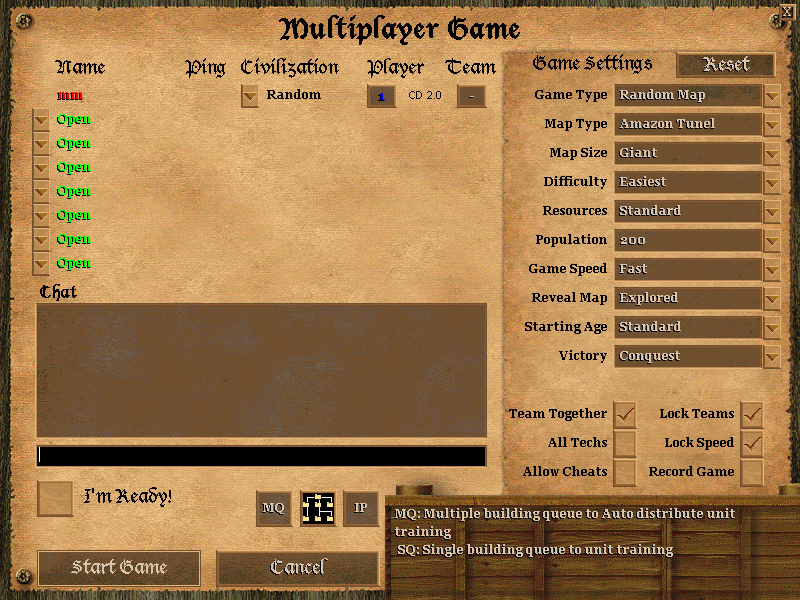
Auto-distribute unit production across buildings.
Auto Farms reseed
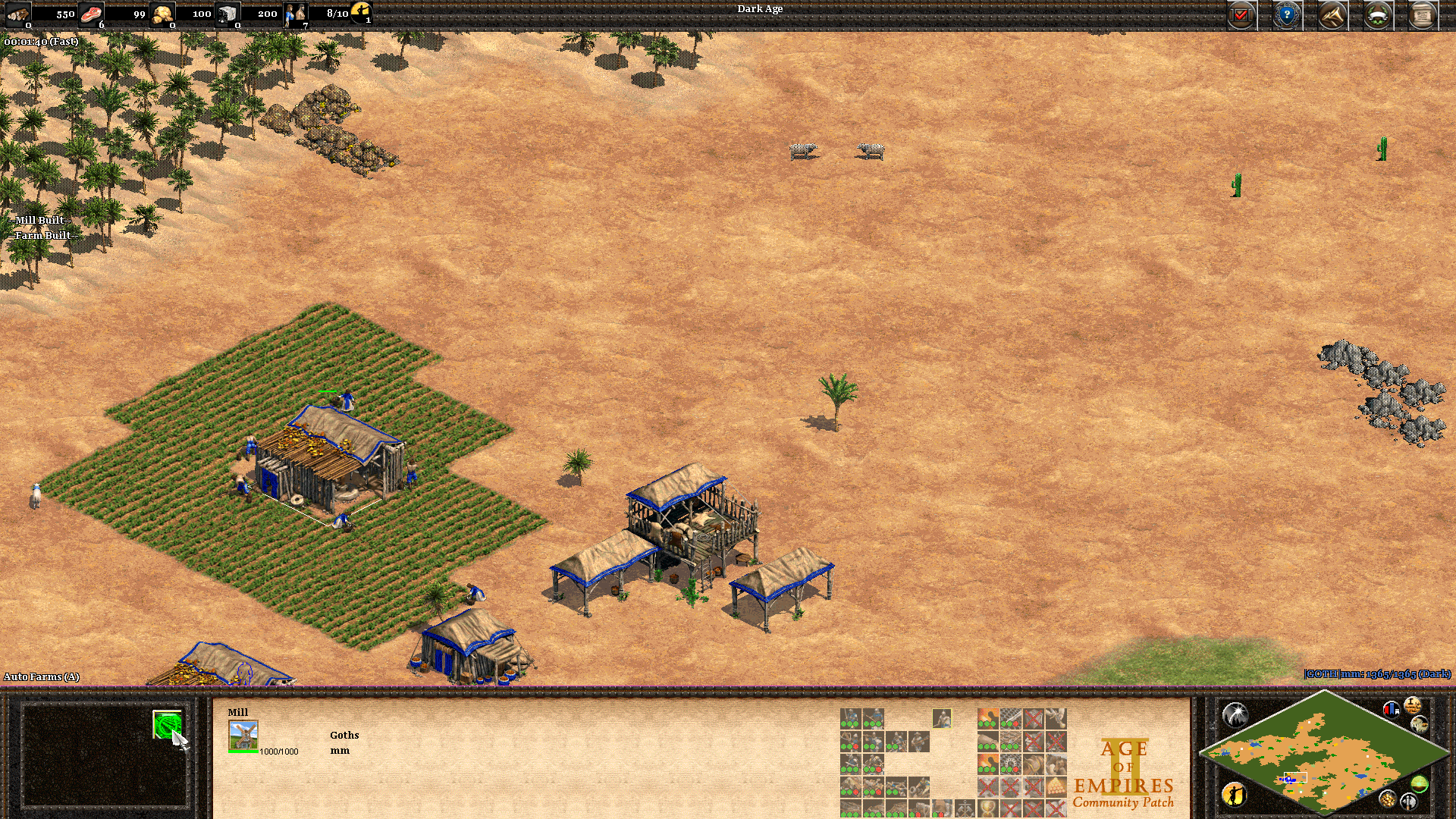
Villagers auto-rebuild farms once finished.